Generated examples, not sales claims
T-shirt design ideas built for a real POD workflow.
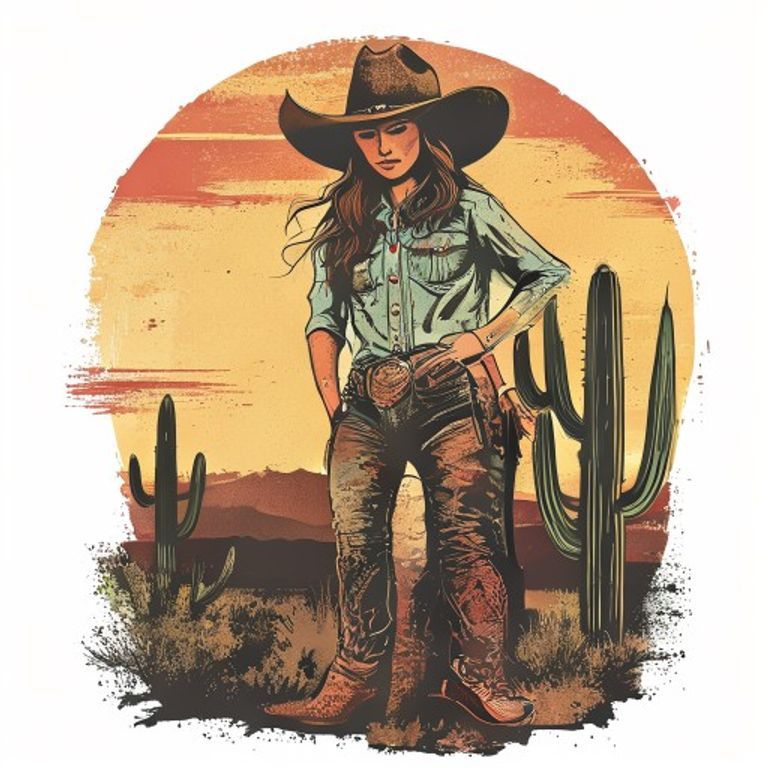
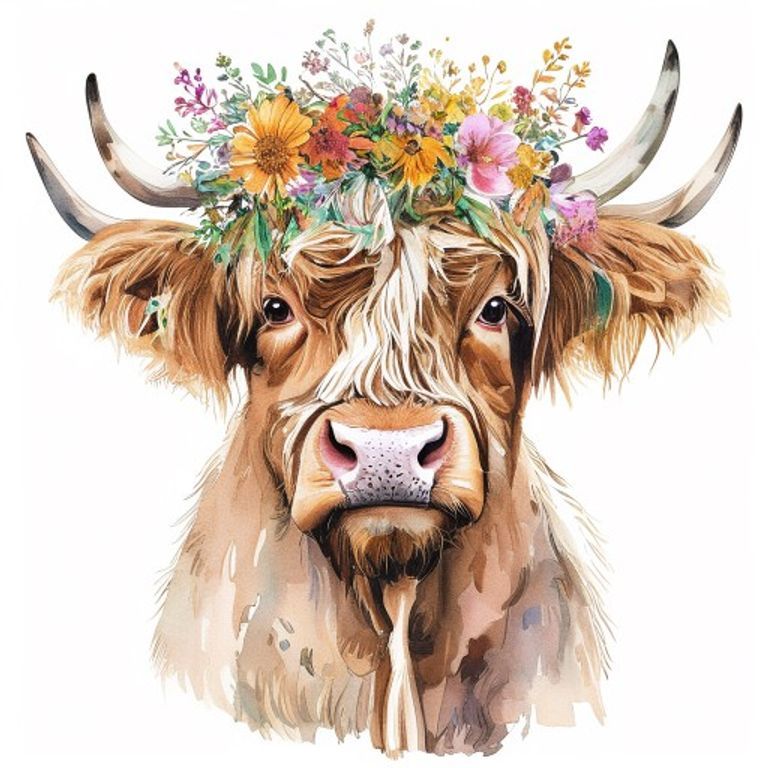
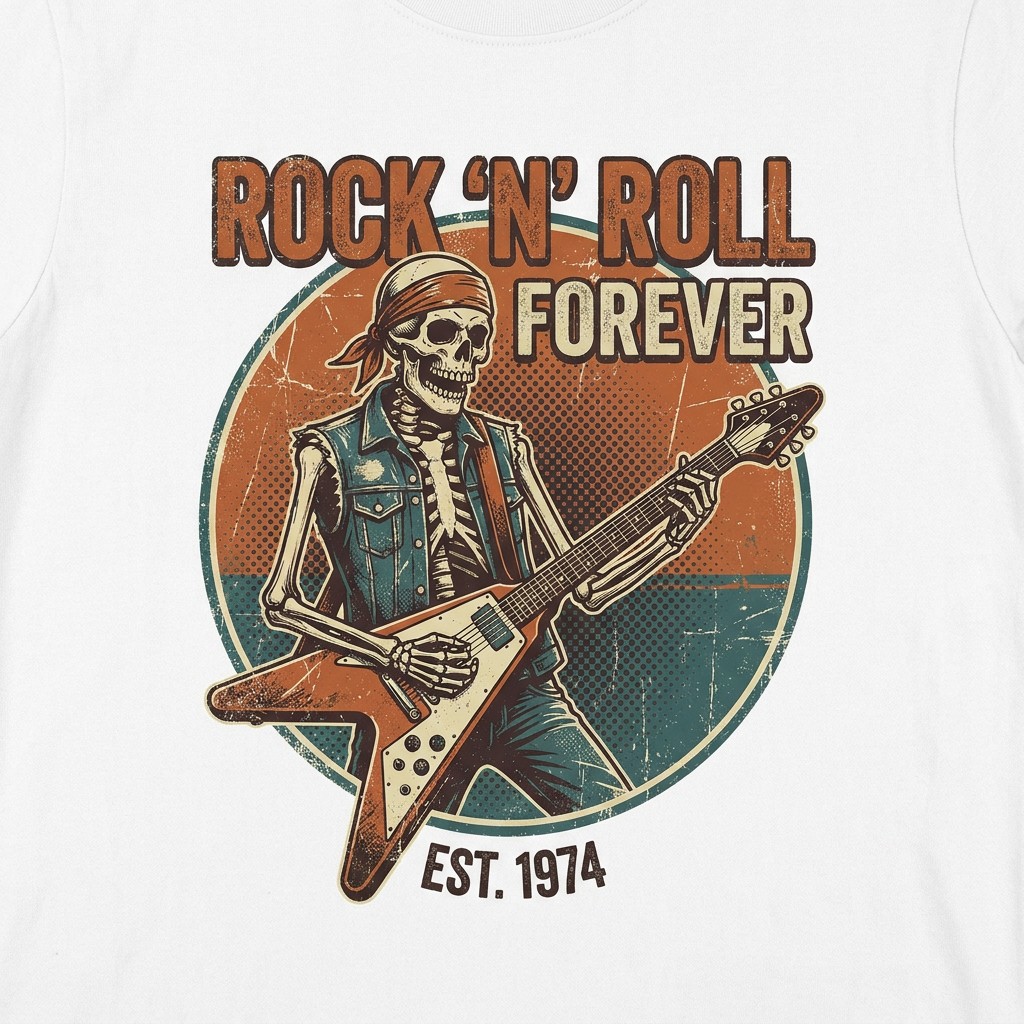
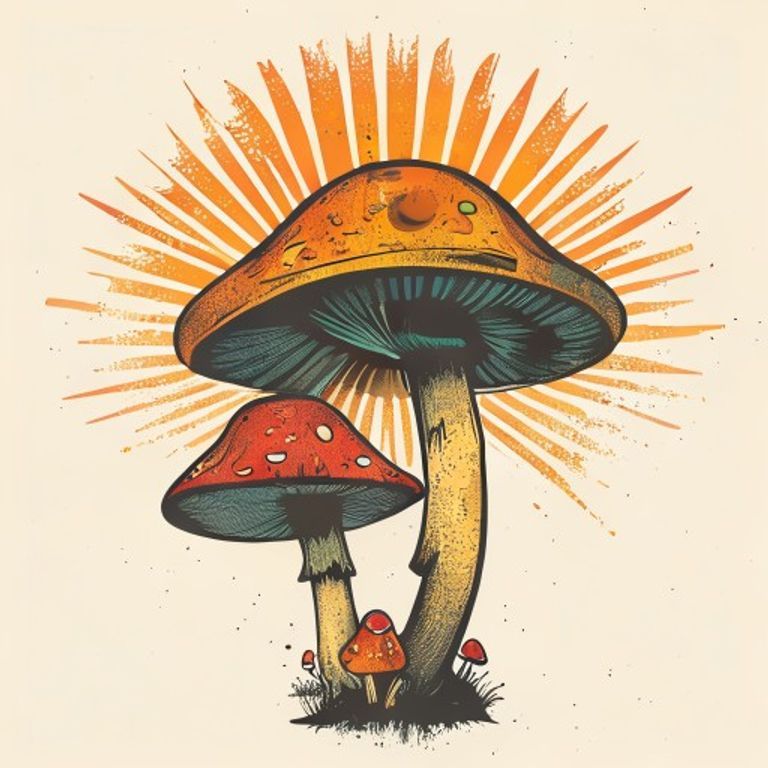
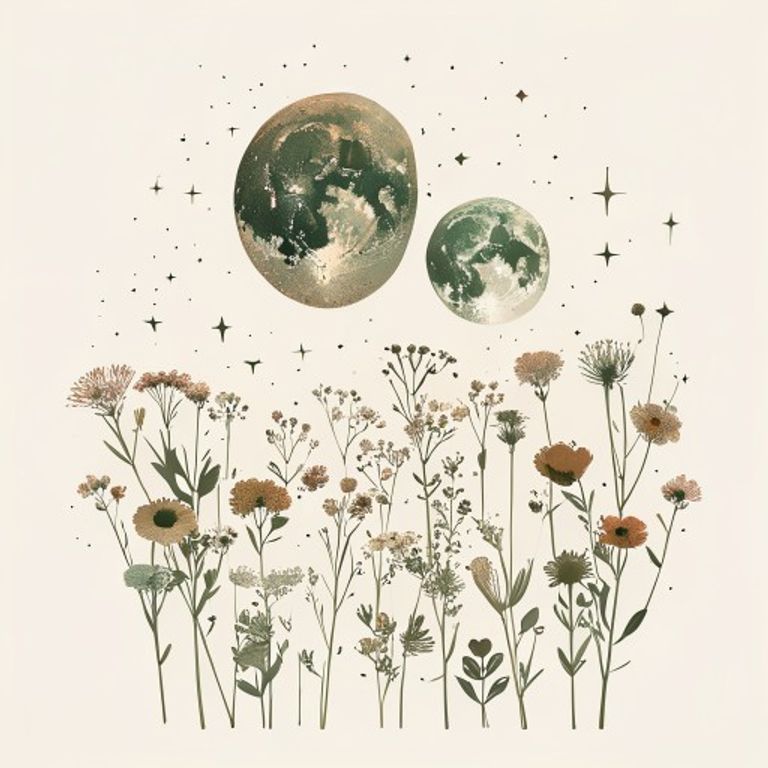
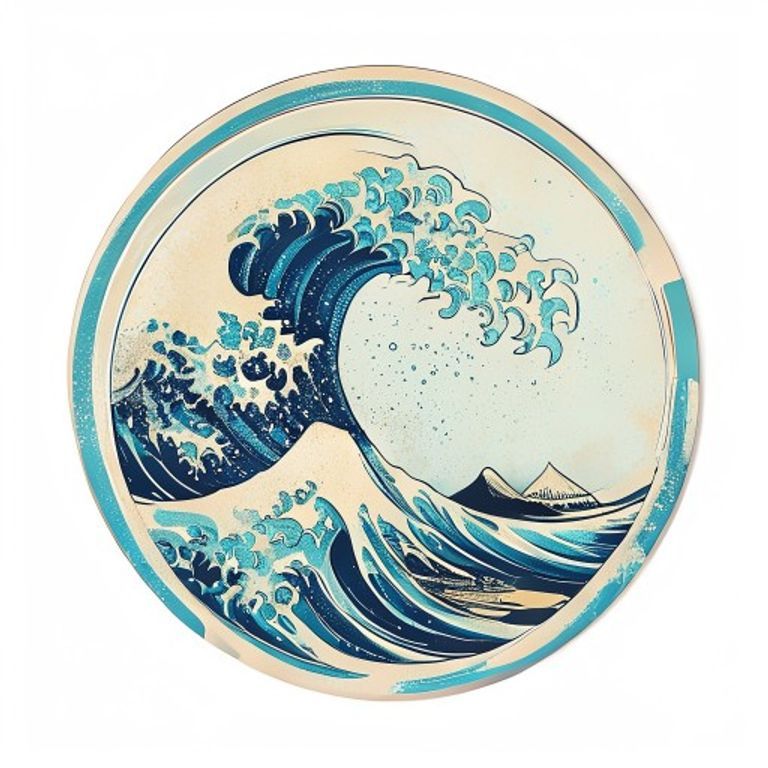
These are KreavoPod design examples used to show visual range and workflow. They are not claimed bestsellers, marketplace rankings or copies of existing listings.
More than generation
A useful design still needs a workflow.
The image is one stage. KreavoPod keeps the stages connected so production details and listing context do not disappear after generation.
- 1
Direction
Define the product, audience, subject, visual style and message before generating.
- 2
Artwork
Generate an original direction, inspect the composition and refine the elements that matter.
- 3
Production
Remove unwanted background, confirm size and transparency, then prepare the final file.
- 4
Presentation
Place the artwork on a relevant mockup and draft clear listing copy around the real product.
Artwork in context
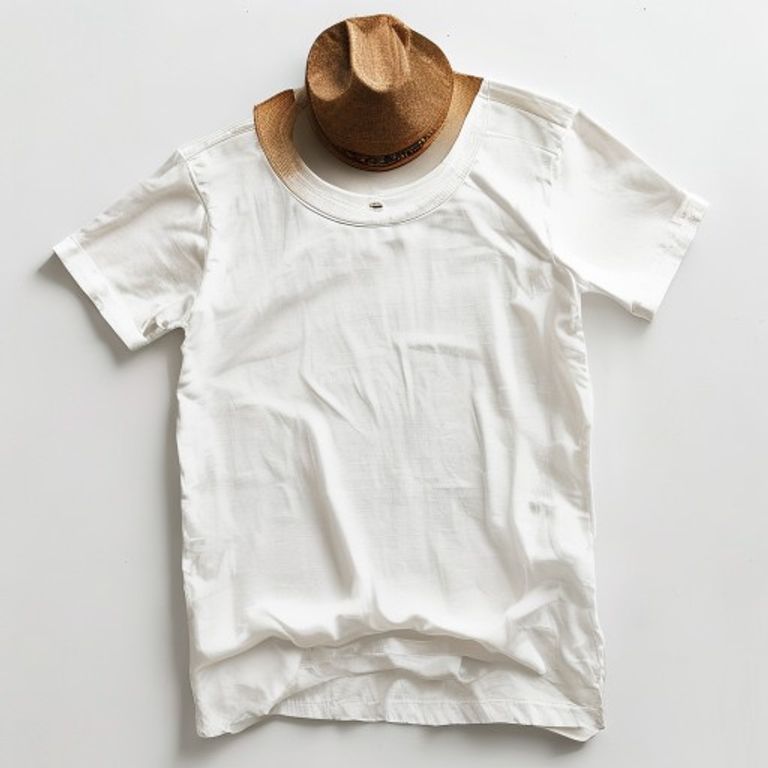
Check the product presentation before writing the listing.
A mockup helps reveal scale, placement and color problems that are hard to judge from an isolated square. It also gives listing copy a concrete product context.
Check a transparent PNG firstCreate your own connected POD project.
Move from the free tool to design generation, cleanup, mockups, listing copy and print-ready export without rebuilding your project.